

Edit right in the line
Double-click and type on the page. Bold, italic, links, bullet lists. Every line has its own font, size and colour.
Upload your resume or tell us about your experience in your own words. From there it is a document on an A4 sheet: every line under your control, blocks that snap to magnetic guides, and a PDF that looks exactly like the screen.
Sign-up is free. The editor and PDF export are part of Premium.
Whether or not you already have a resume, a minute later you are editing a finished document, not an empty form.
The model splits the file into sections, lines and achievements and builds a document in the editor from them. Nothing is invented: only what was in the file.
Format, target role, tone and your story in your own words. The wizard turns it into structure and wording that you finish in the editor.
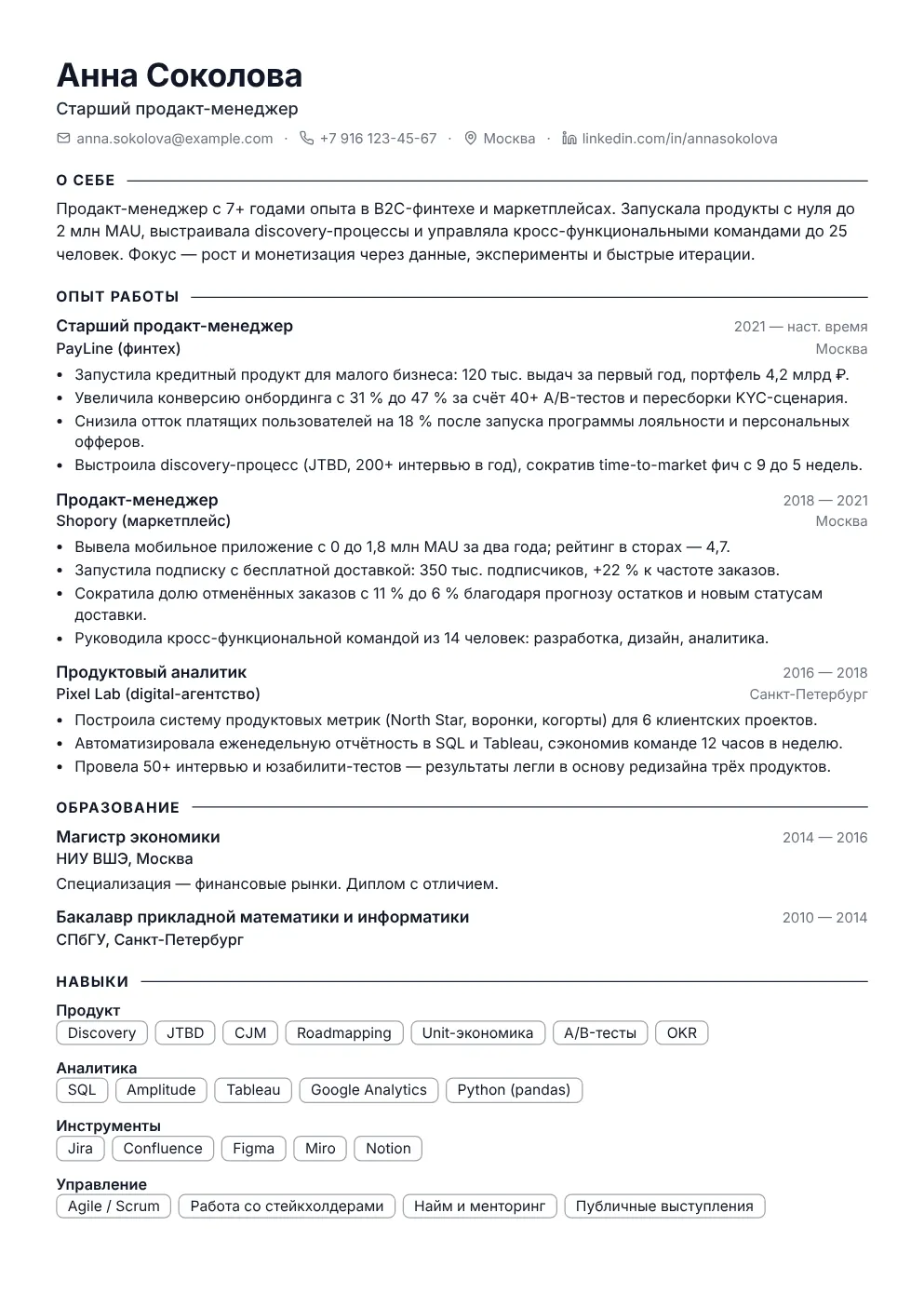
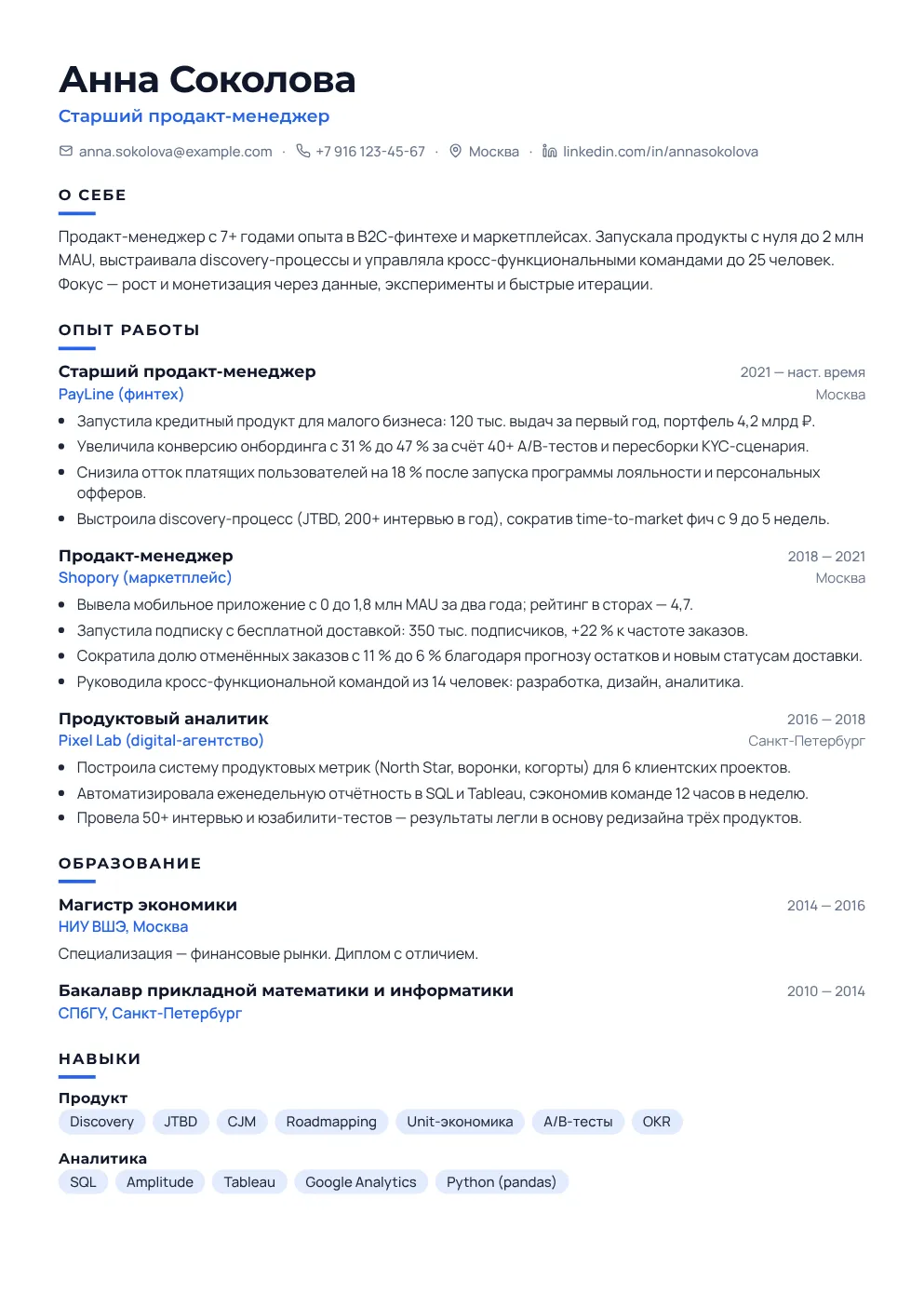
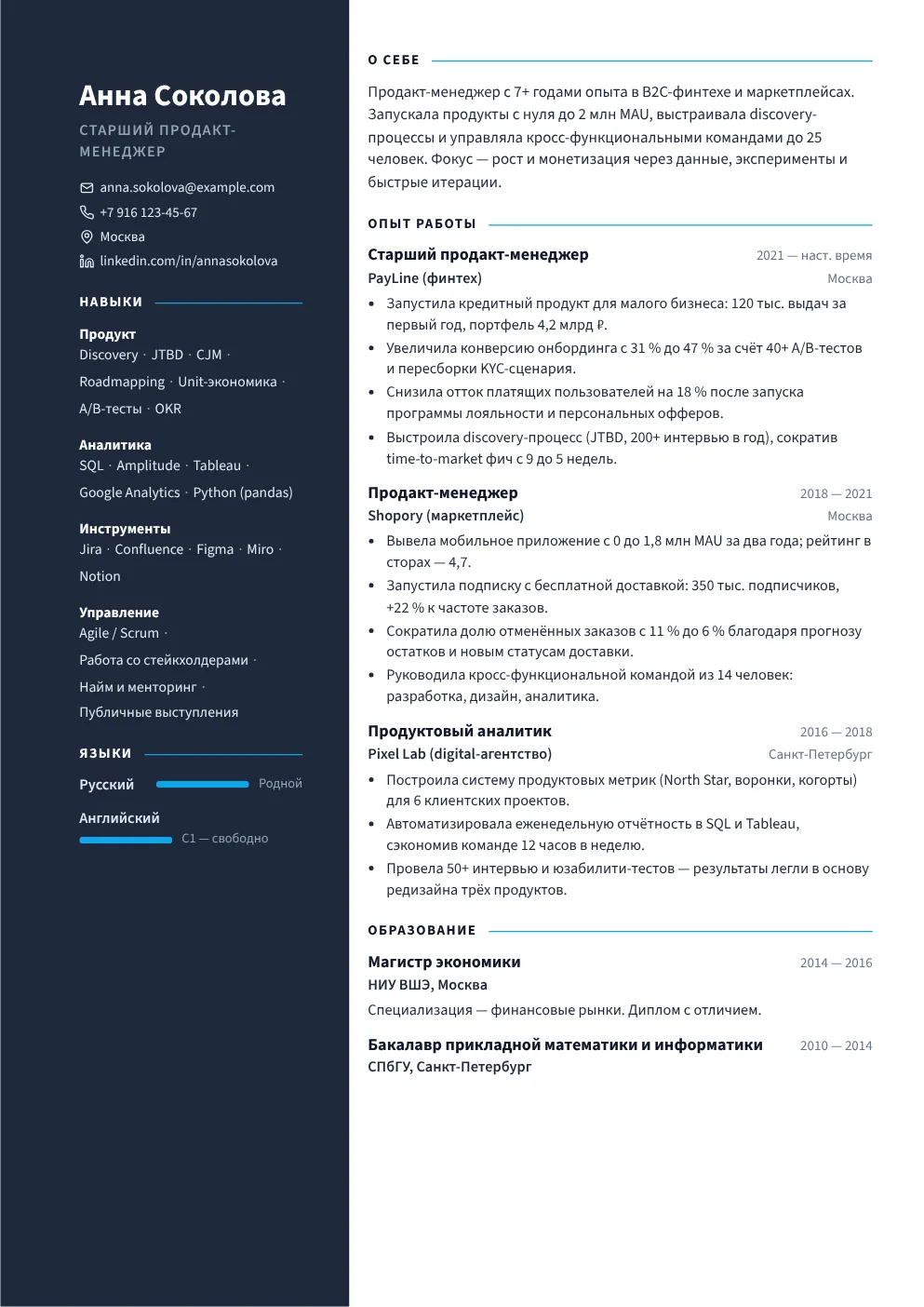
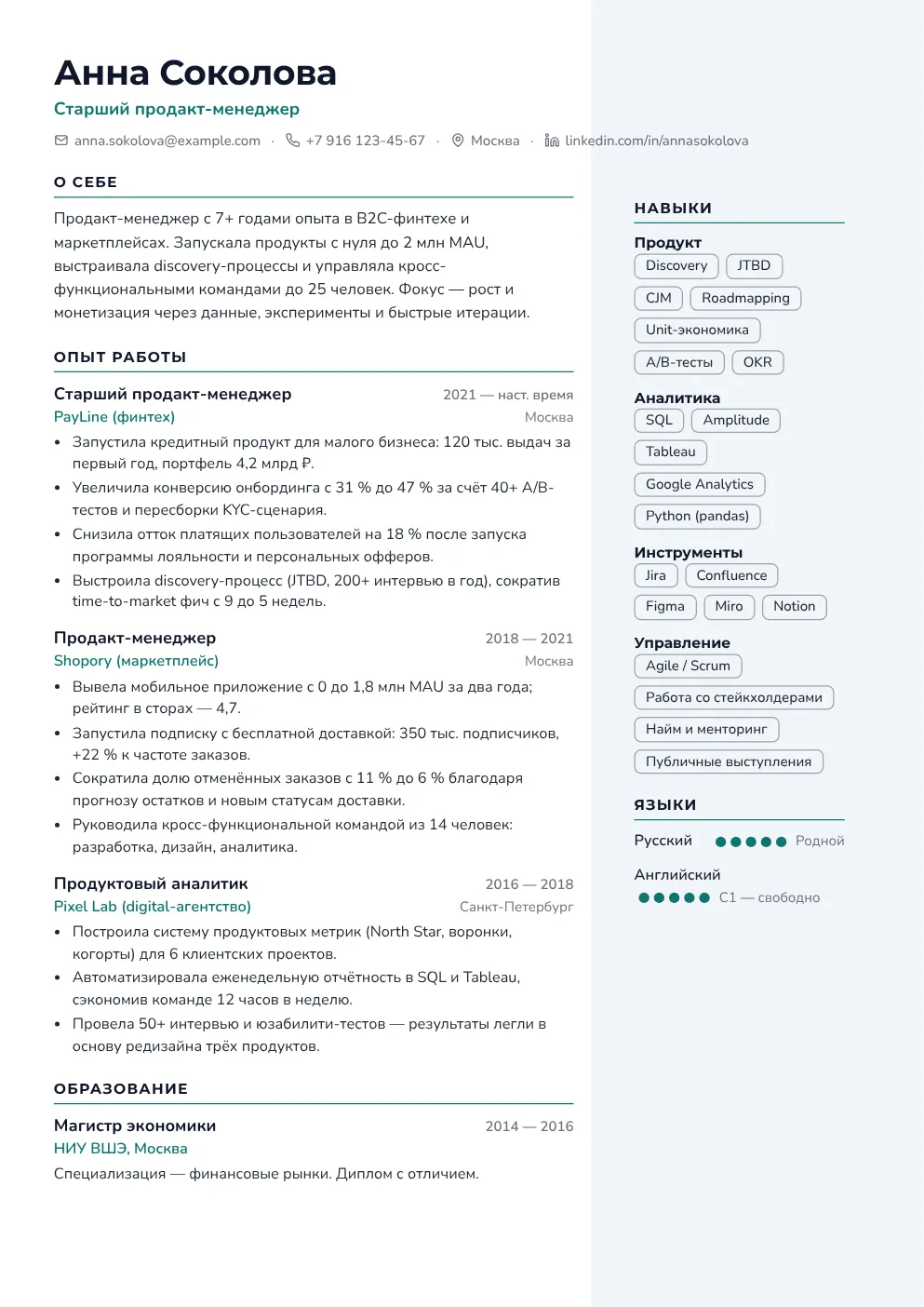
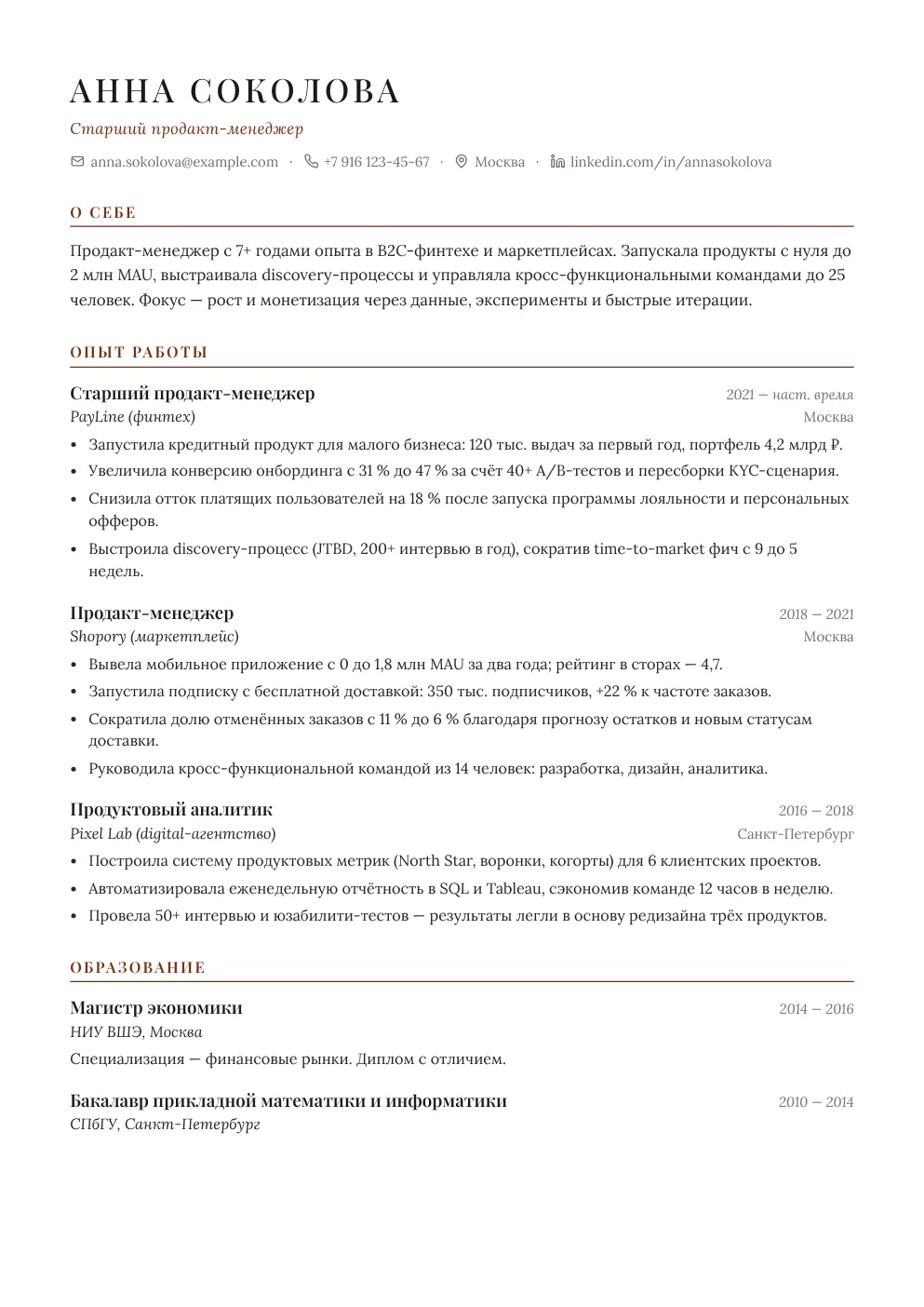
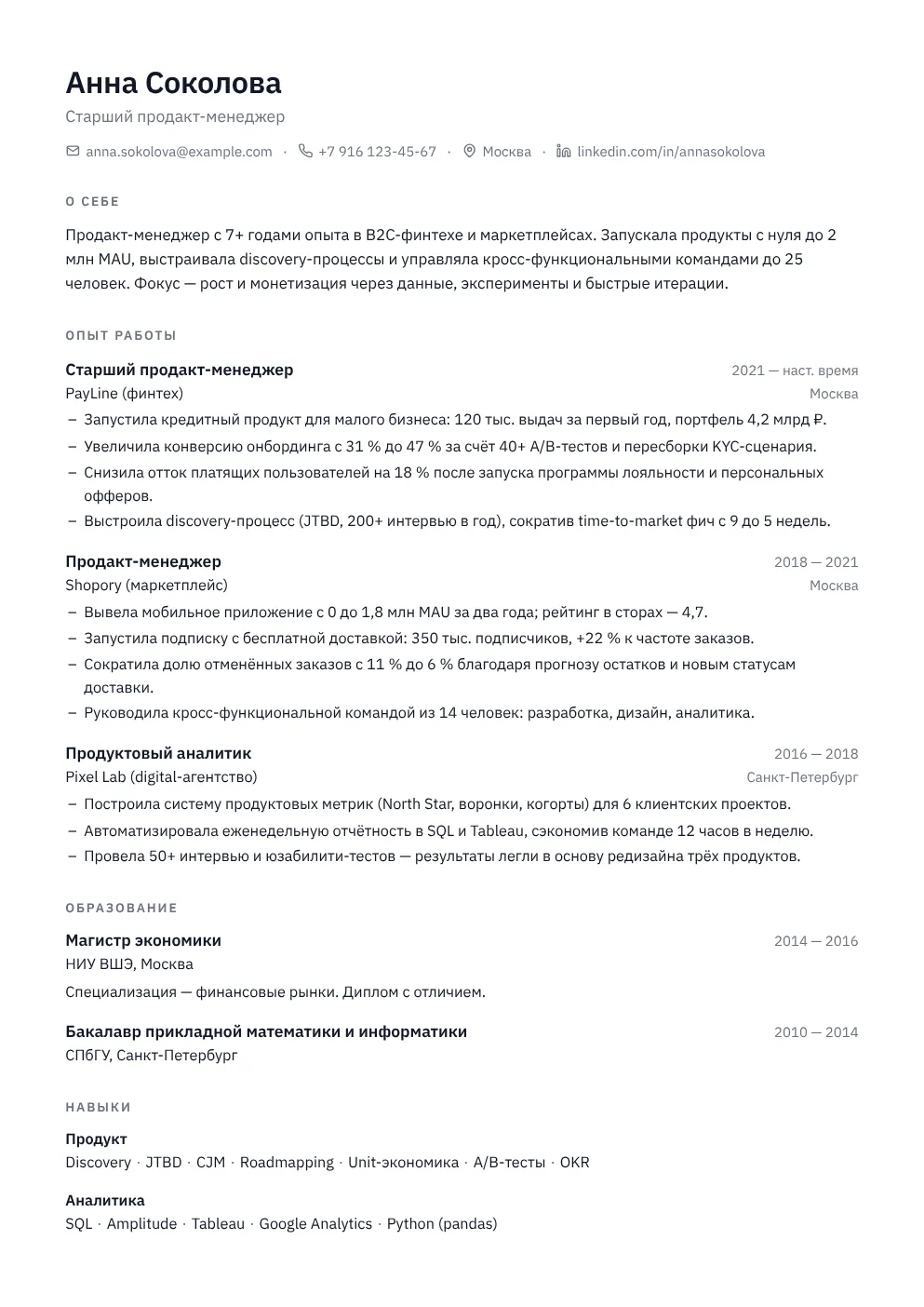
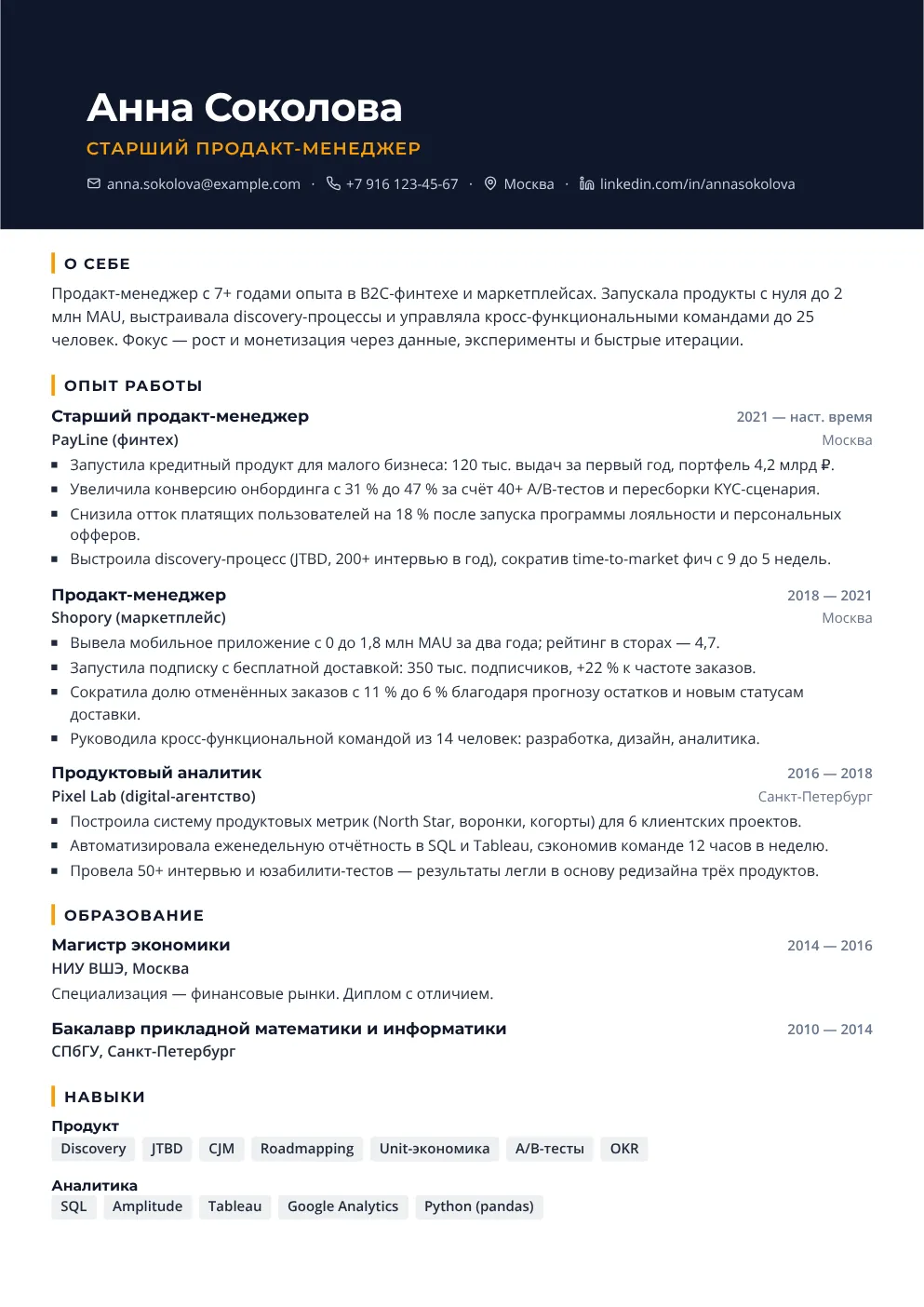
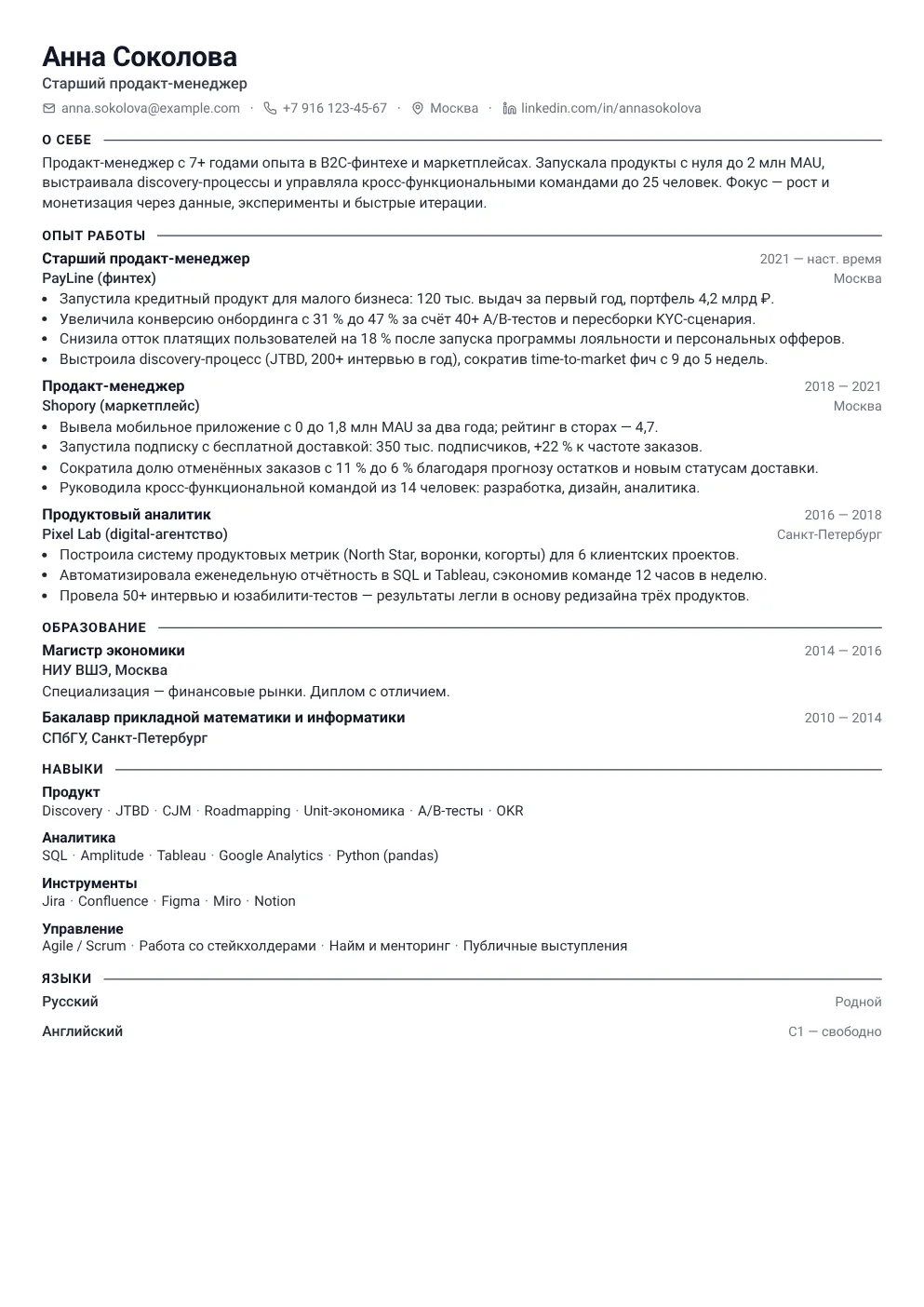
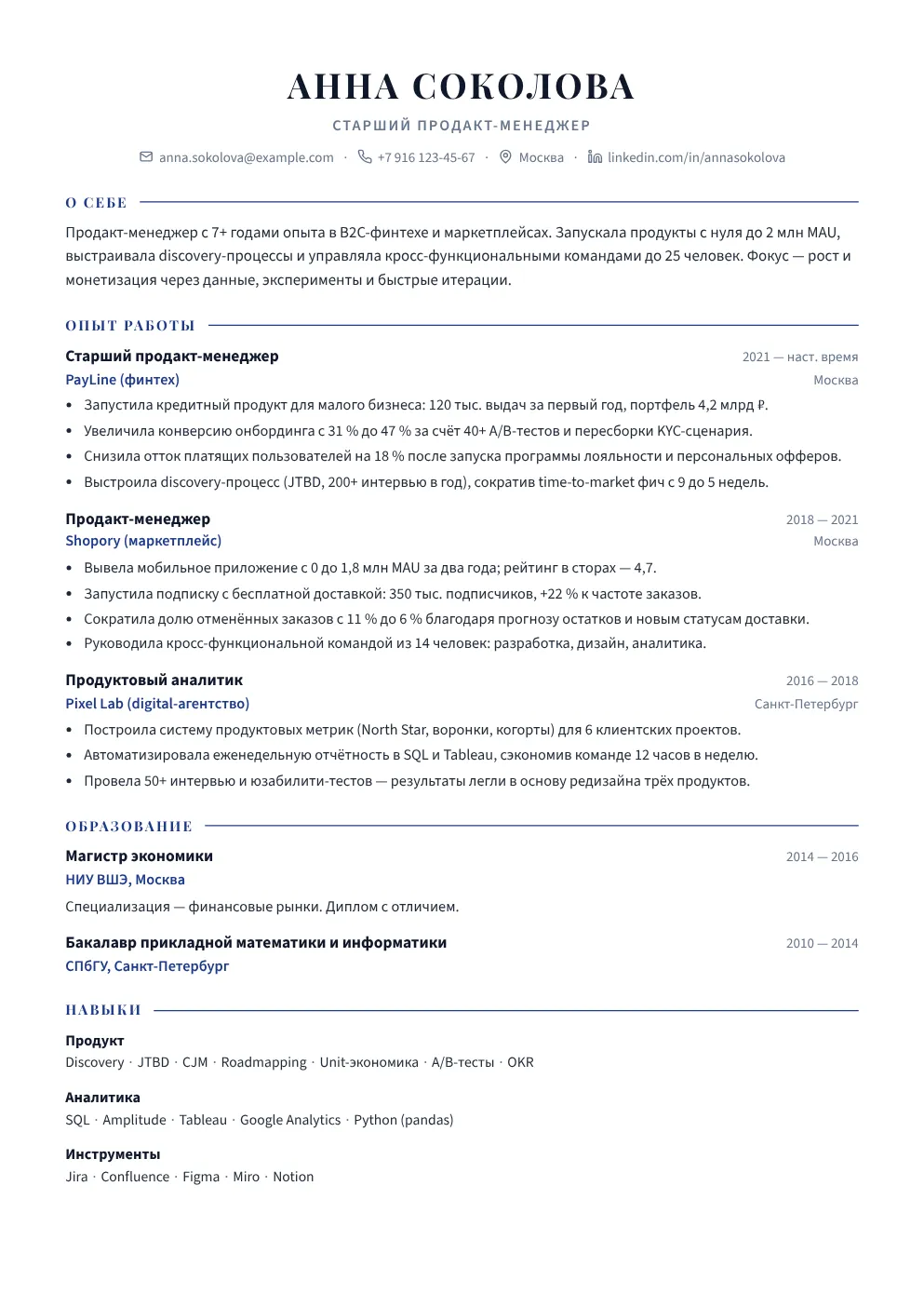
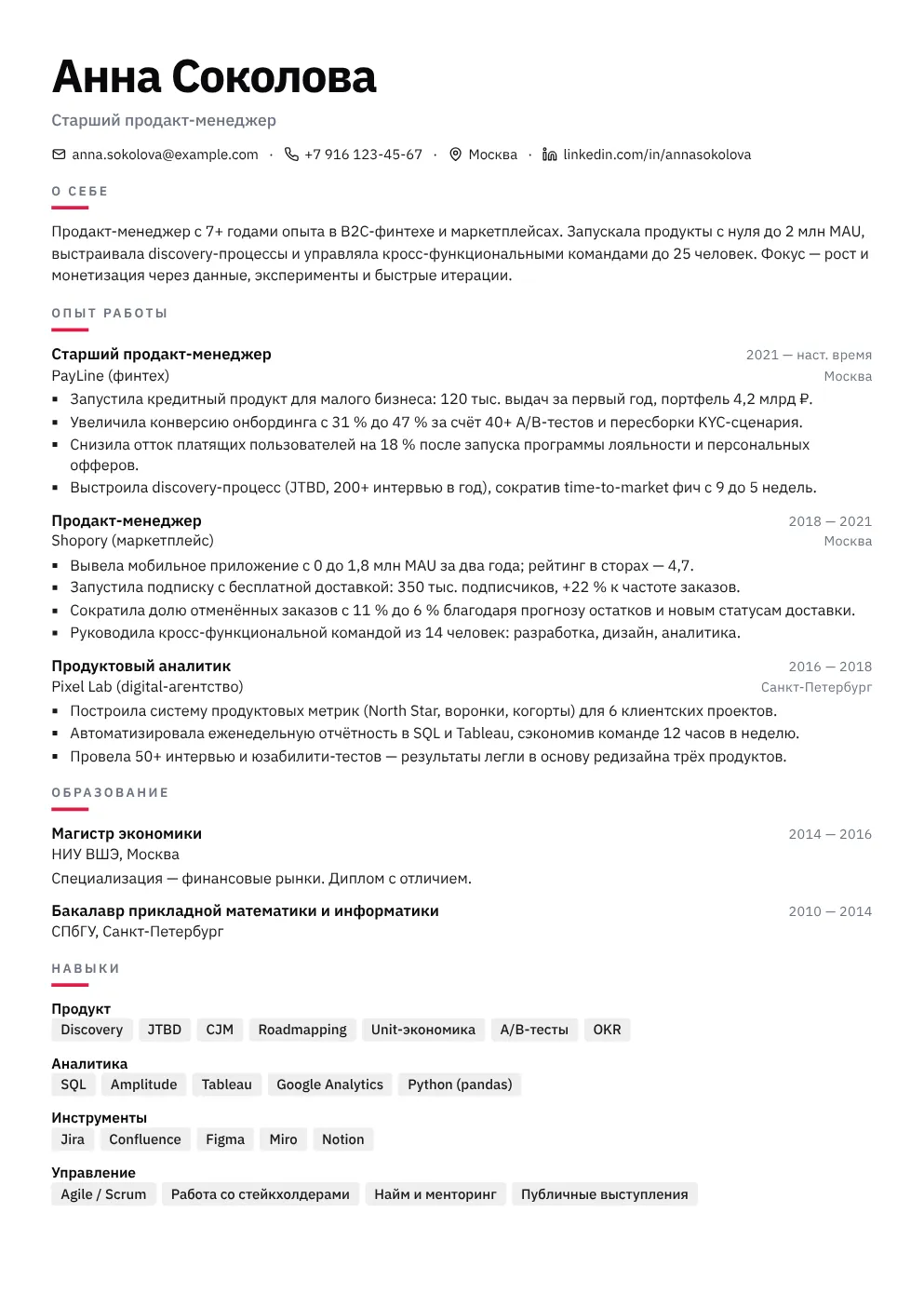
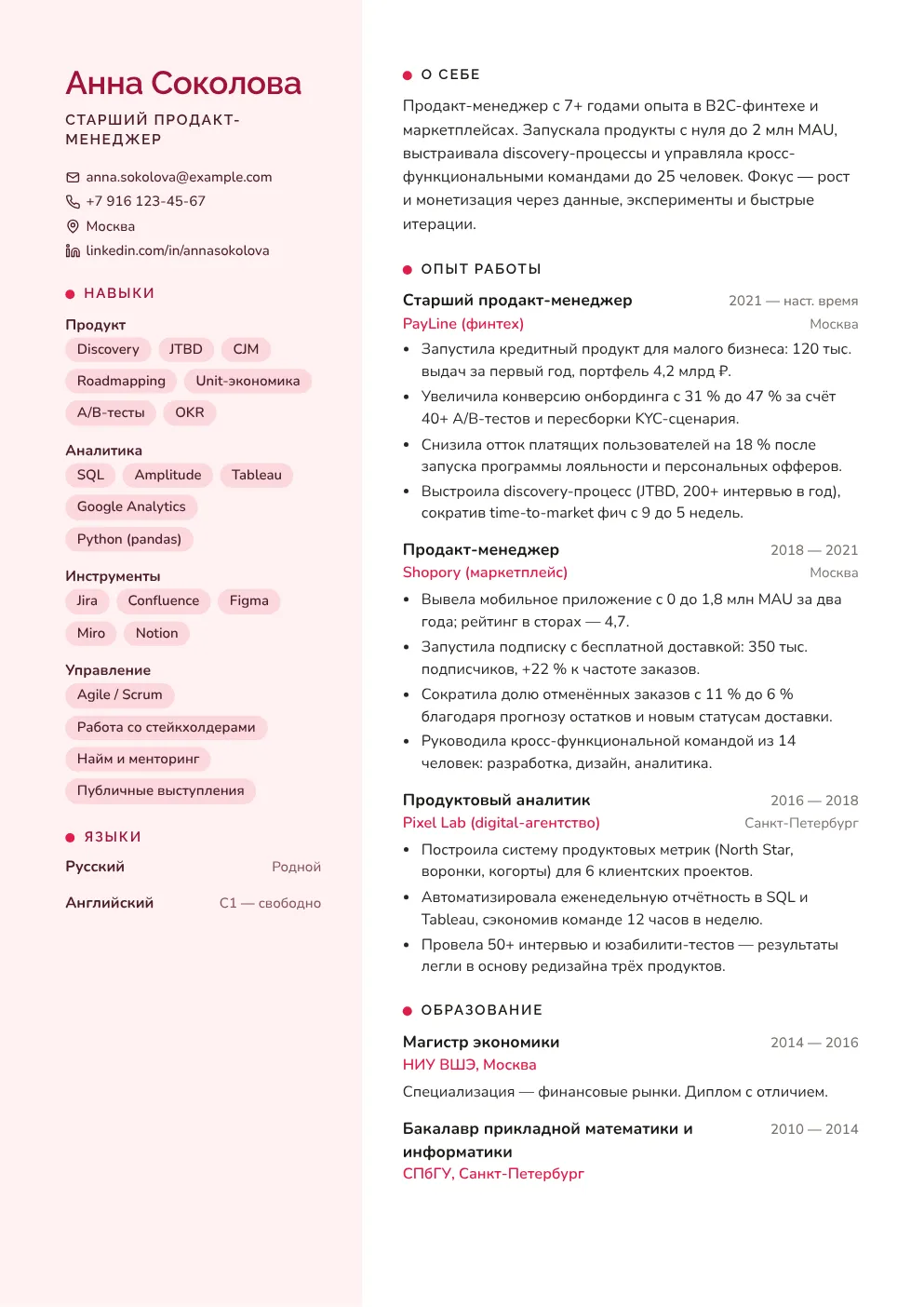
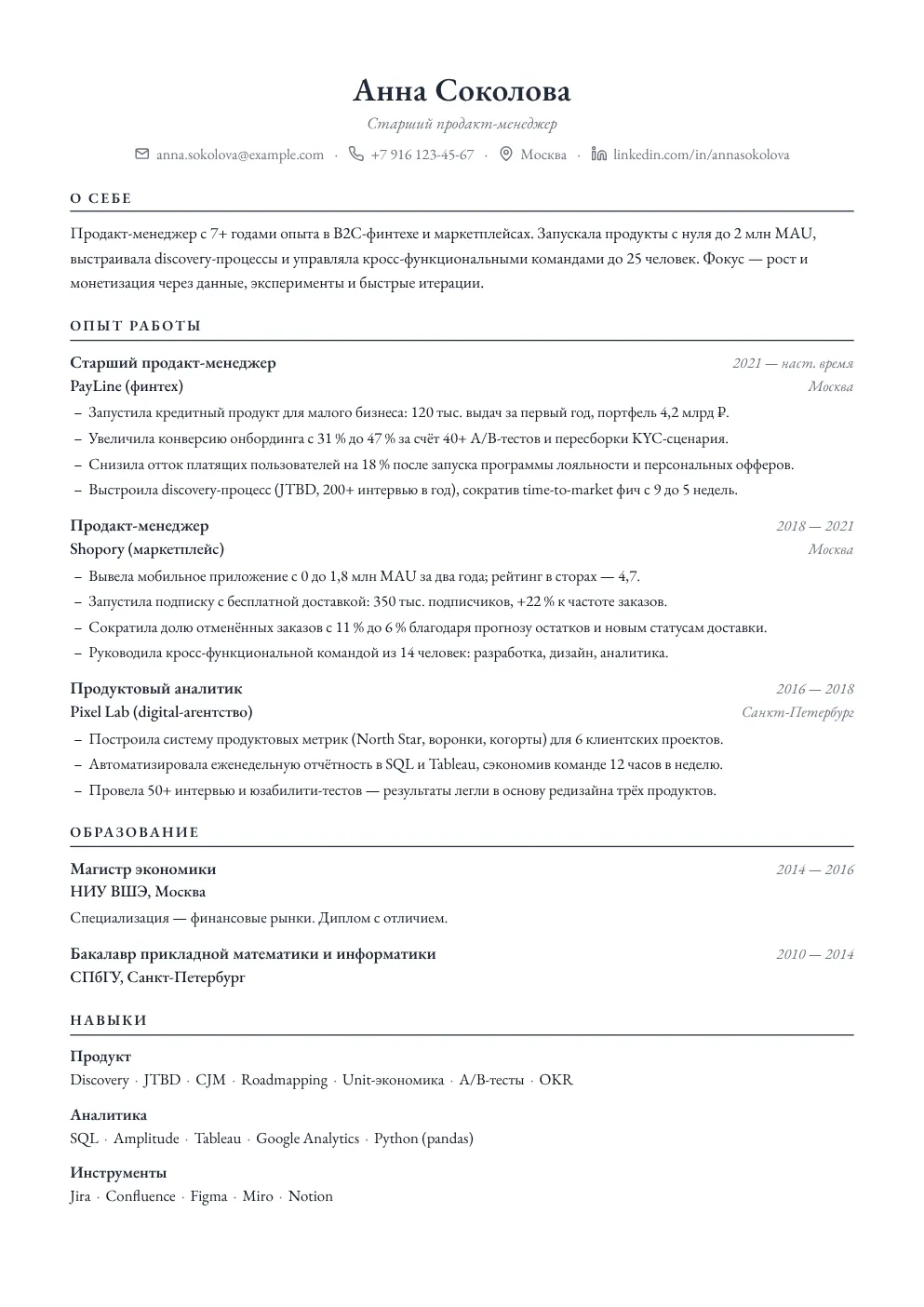
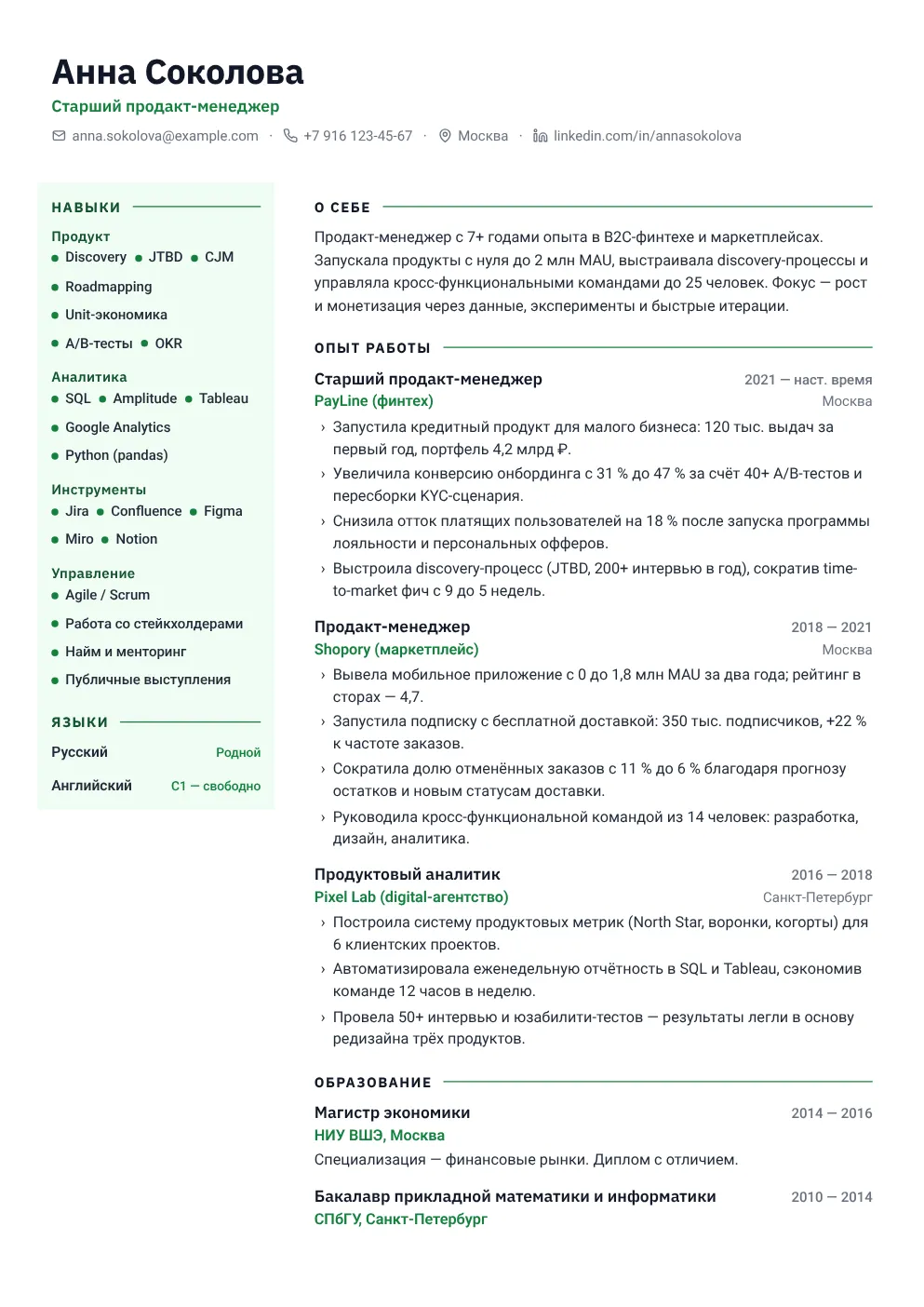
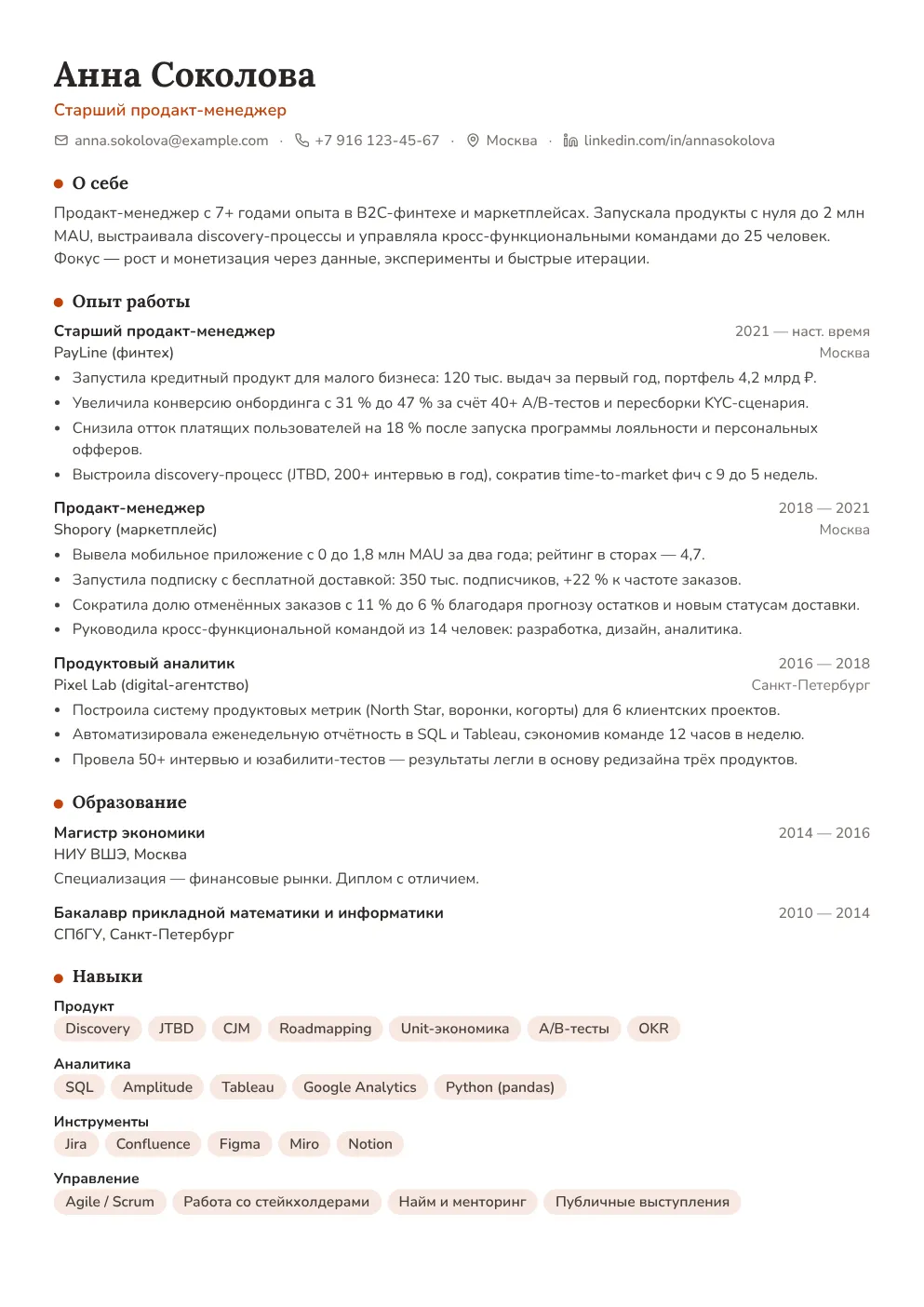
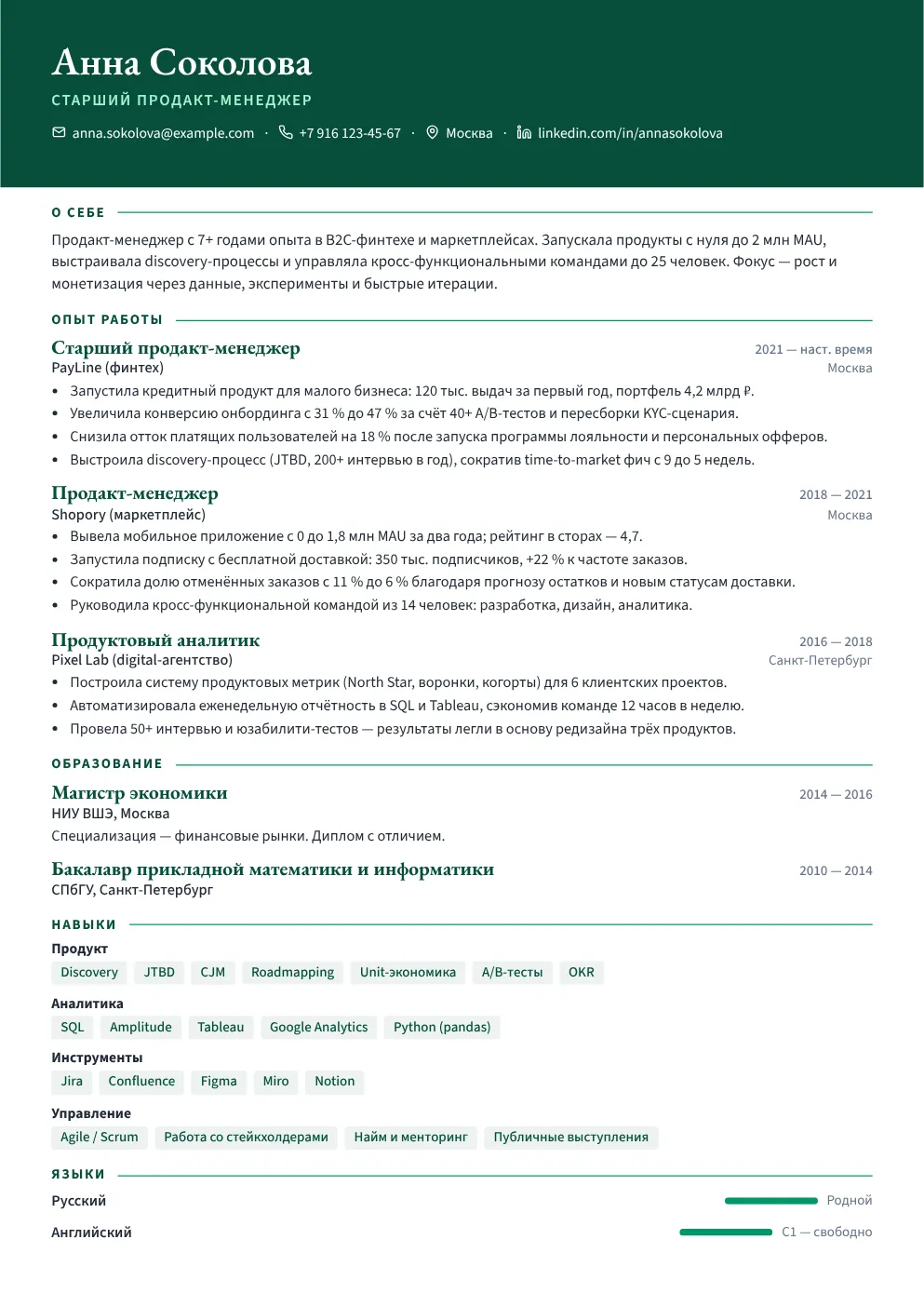
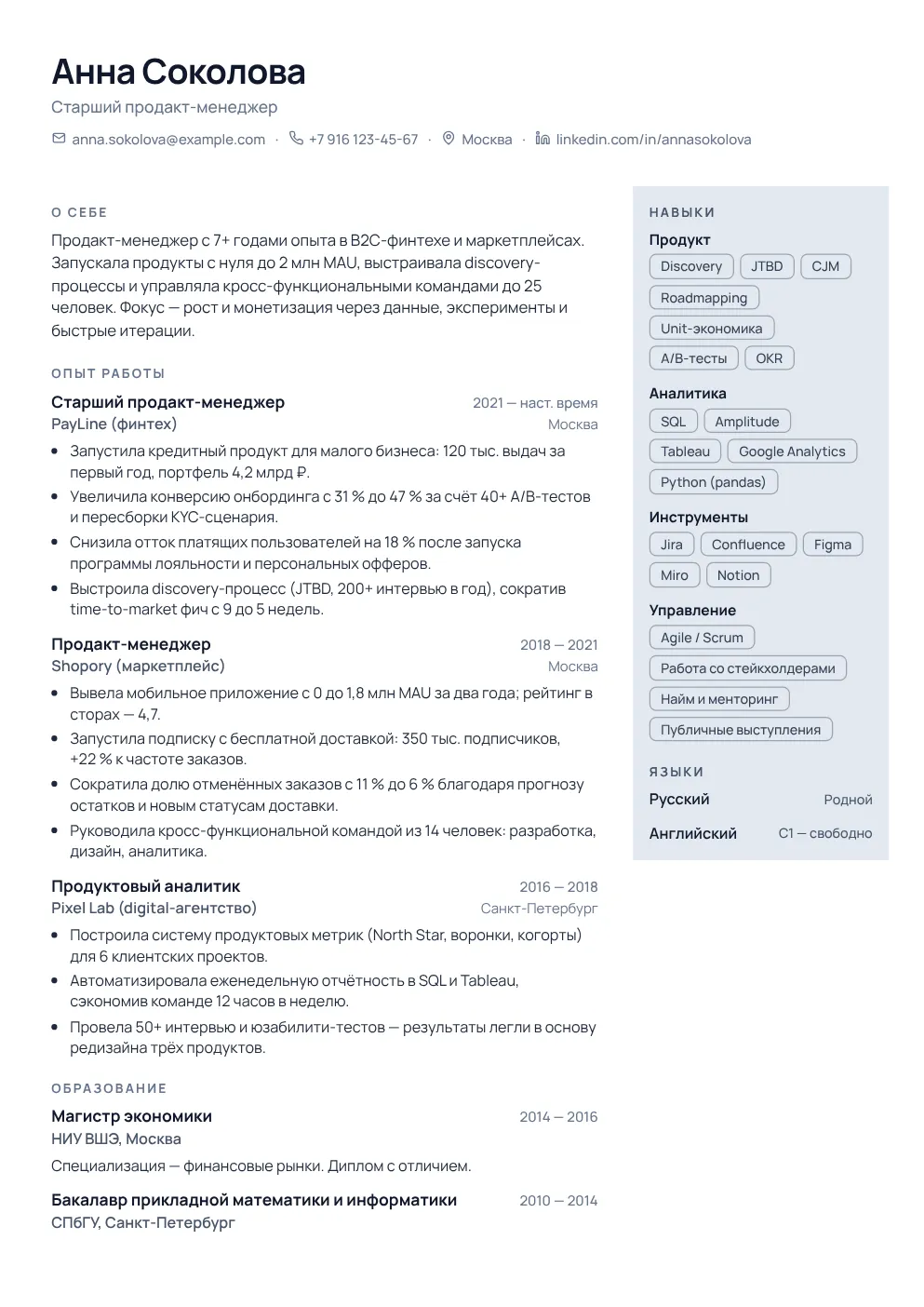
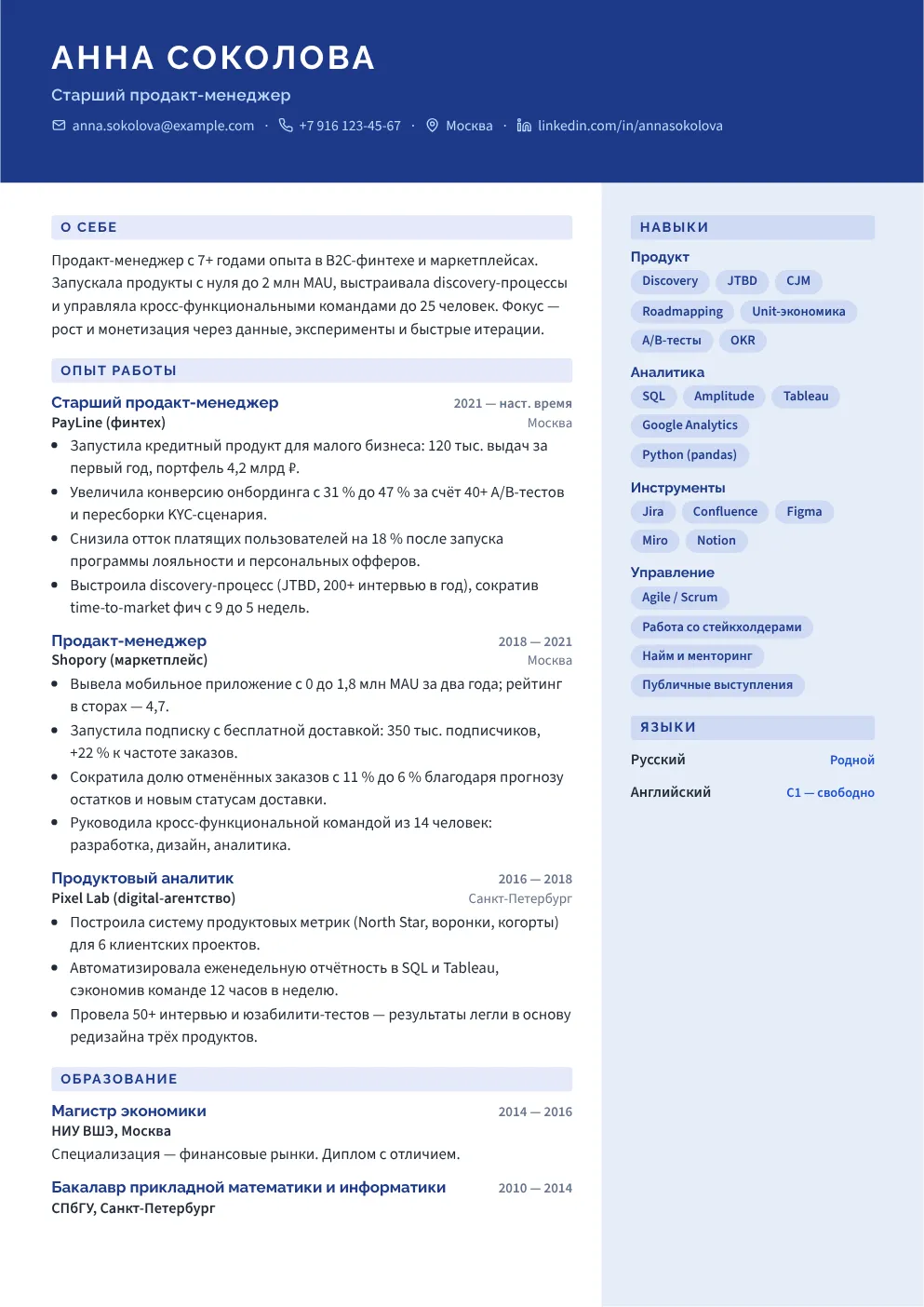
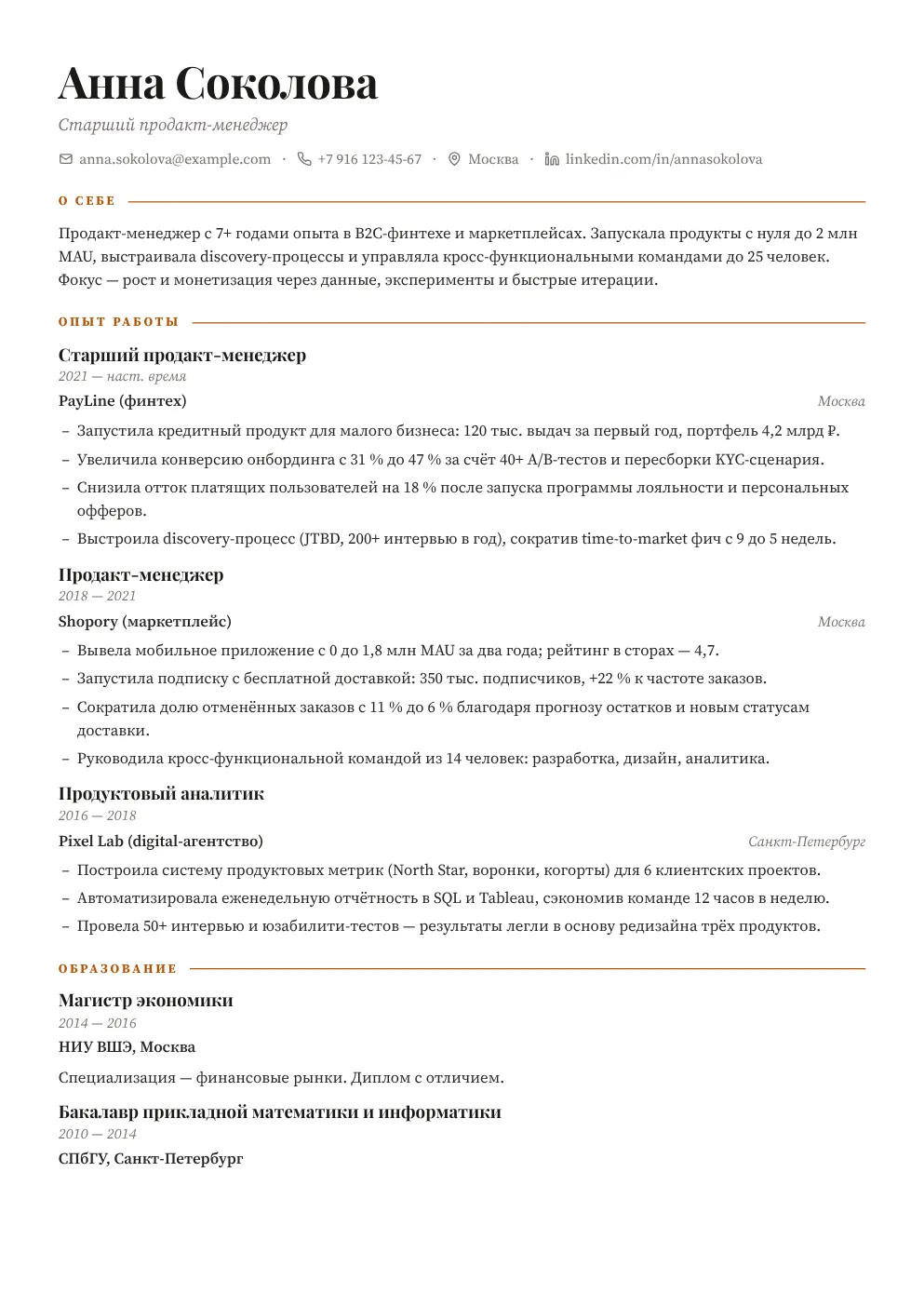
Classic, two columns, a dark sidebar, serifs for academia, a dense layout for a long career. Switching never touches the text: only fonts, colours and layout change.
Change the template at any time, even right before export.
See it in the editorBlocks move between columns, floating elements snap to edges, centres and neighbours, like in professional design tools. Try it right here.
Experience above education, skills into the sidebar: drag, drop, done.
A photo, a caption, a line or a text box anywhere on the page, snapped to the grid.
Column widths and page margins are dragged by handles and click into sensible stops.
Drag the card and the guides appear
After a check, every finding is tied to its line: a marker on the quote, a number in the margin and a card with advice. One click replaces the wording.
Launched an SMB lending product: 120K loans issued in the first year.
Was responsible for onboarding.
Cut paying-user churn by 18%.
A full layout tool for resumes, not a form with a preview.
Double-click and type on the page. Bold, italic, links, bullet lists. Every line has its own font, size and colour.
Inter, Montserrat, Lora, Playfair, Garamond and more. The same files are embedded in the PDF, so nothing shifts on the recruiter's side.
Pages are split in the editor and go to the PDF already split. What is on the screen is what is in the file.
Shorter, stronger verbs, add metrics: for any line, with a preview and undo.
Accent colour, fonts, spacing, heading styles, one or two columns, sidebar background.
Every action is one Ctrl+Z away. The document saves itself; close the tab whenever you like.
Three steps and the resume is ready to send.
A PDF, a DOCX or four wizard questions. A minute later the document is on the page, waiting for edits.
Pick a template, rearrange blocks, rewrite weak lines yourself or with AI, fix the analysis findings.
The file matches the screen. Next: resume analysis and auto-apply with this same document.
The finished file is the start of a chain, not the end.
Import, the on-page editor and PDF. You are here.
An ATS score and a section-by-section review show whether the resume reaches a human and which keywords are missing. Findings open right in the editor.
Resume analysisAn auto-apply campaign already works with this resume and writes a letter for each job.
About auto-applyCan't find an answer? Message @Jobpath_help.

We use cookies
We use cookies to improve your experience and personalize content. Learn more